Stepo Design

Private design gallery. Enter the passphrase to view.

Stepo · Design

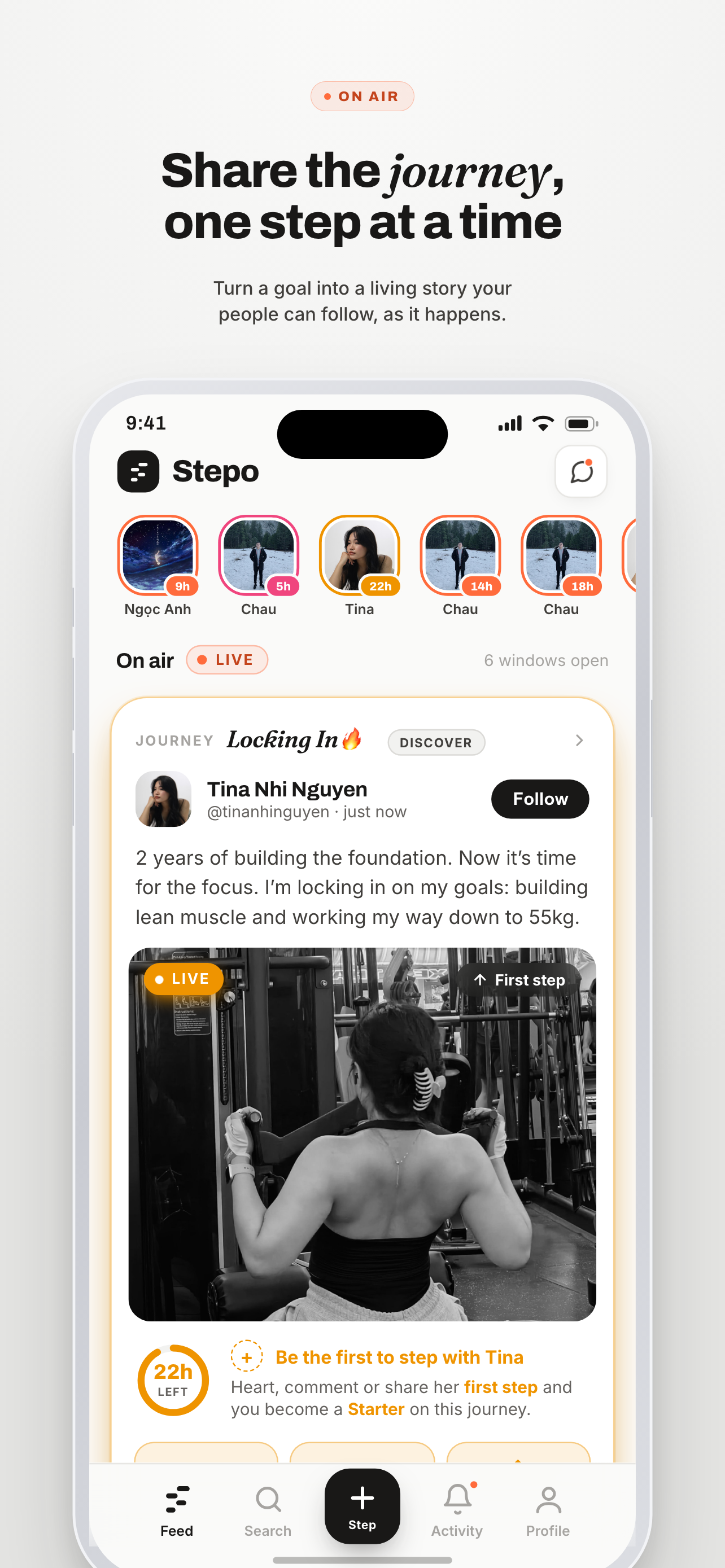
Share the journey, one step at a time

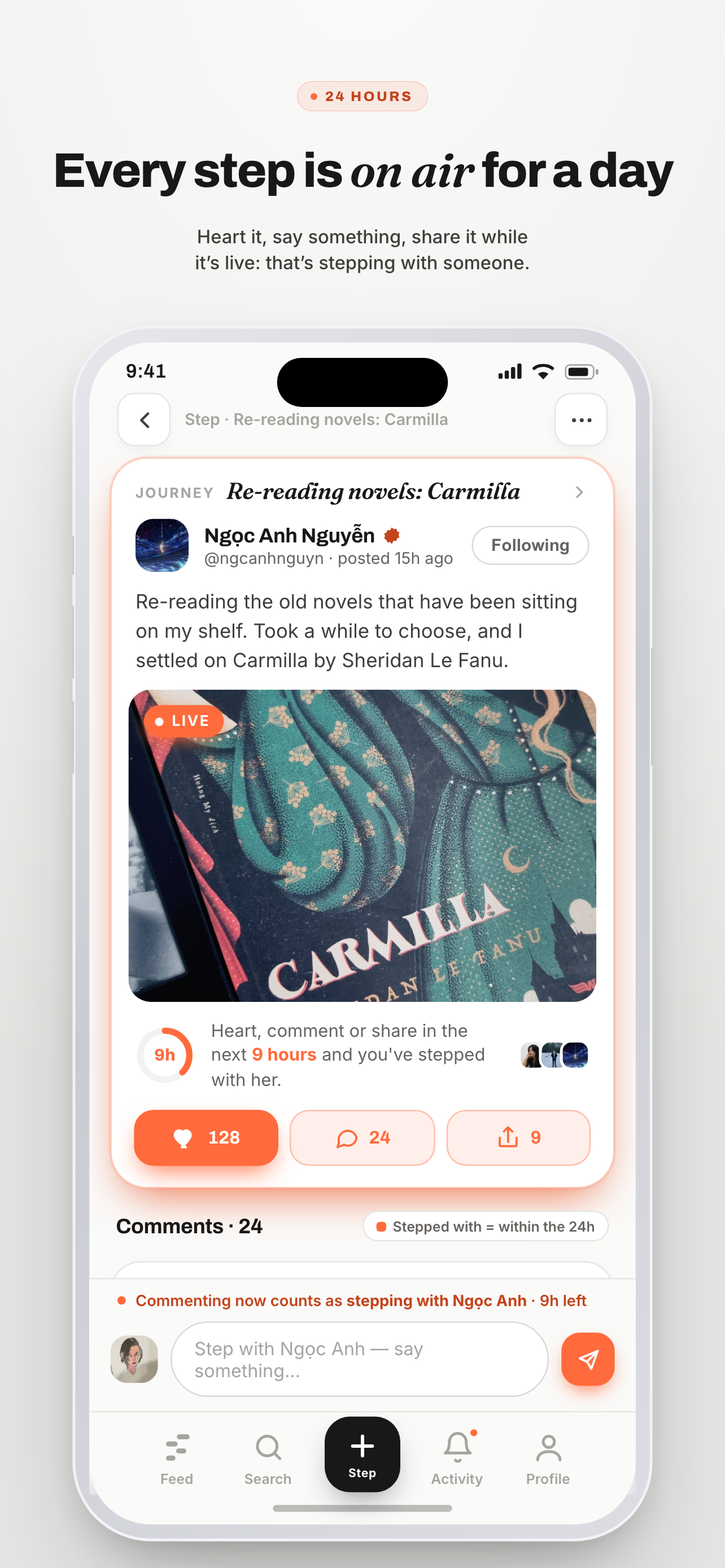
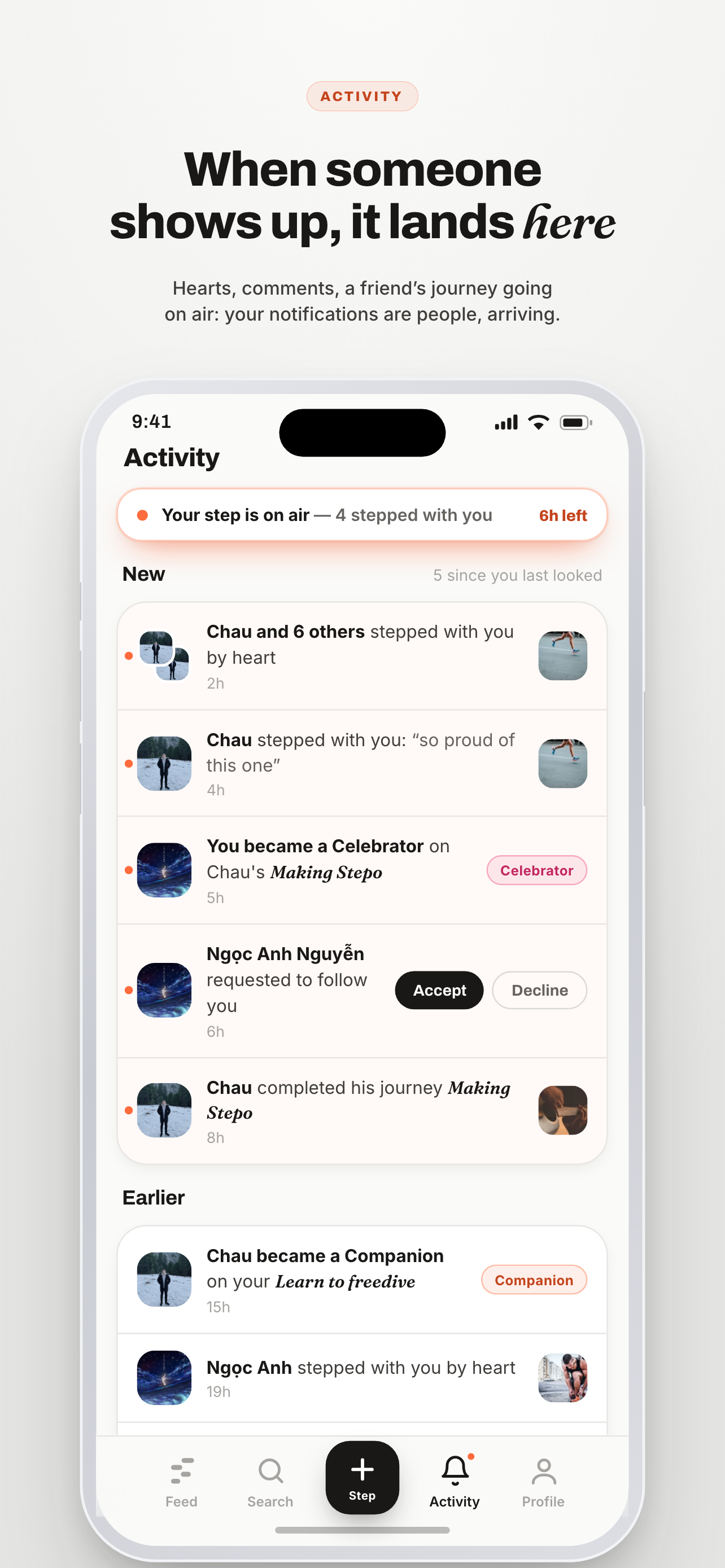
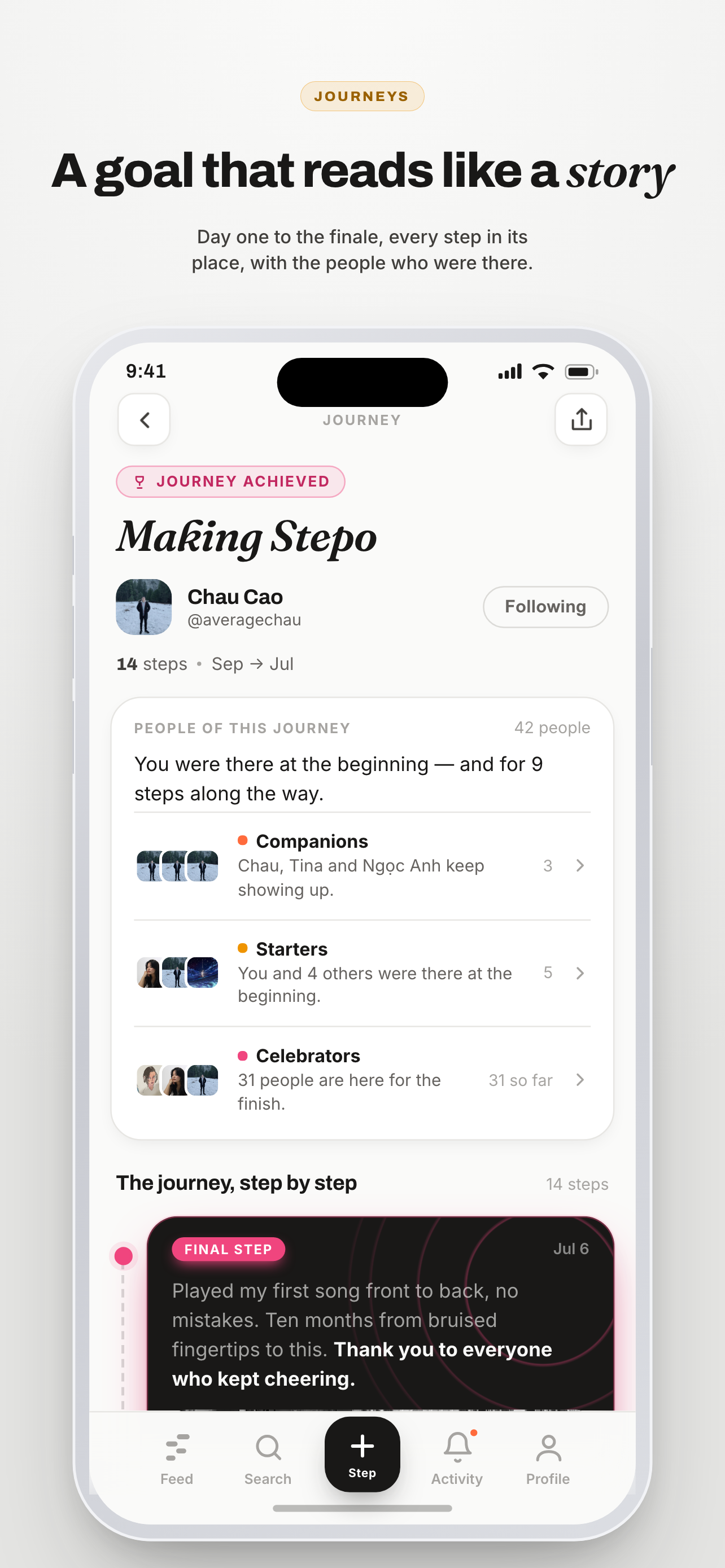
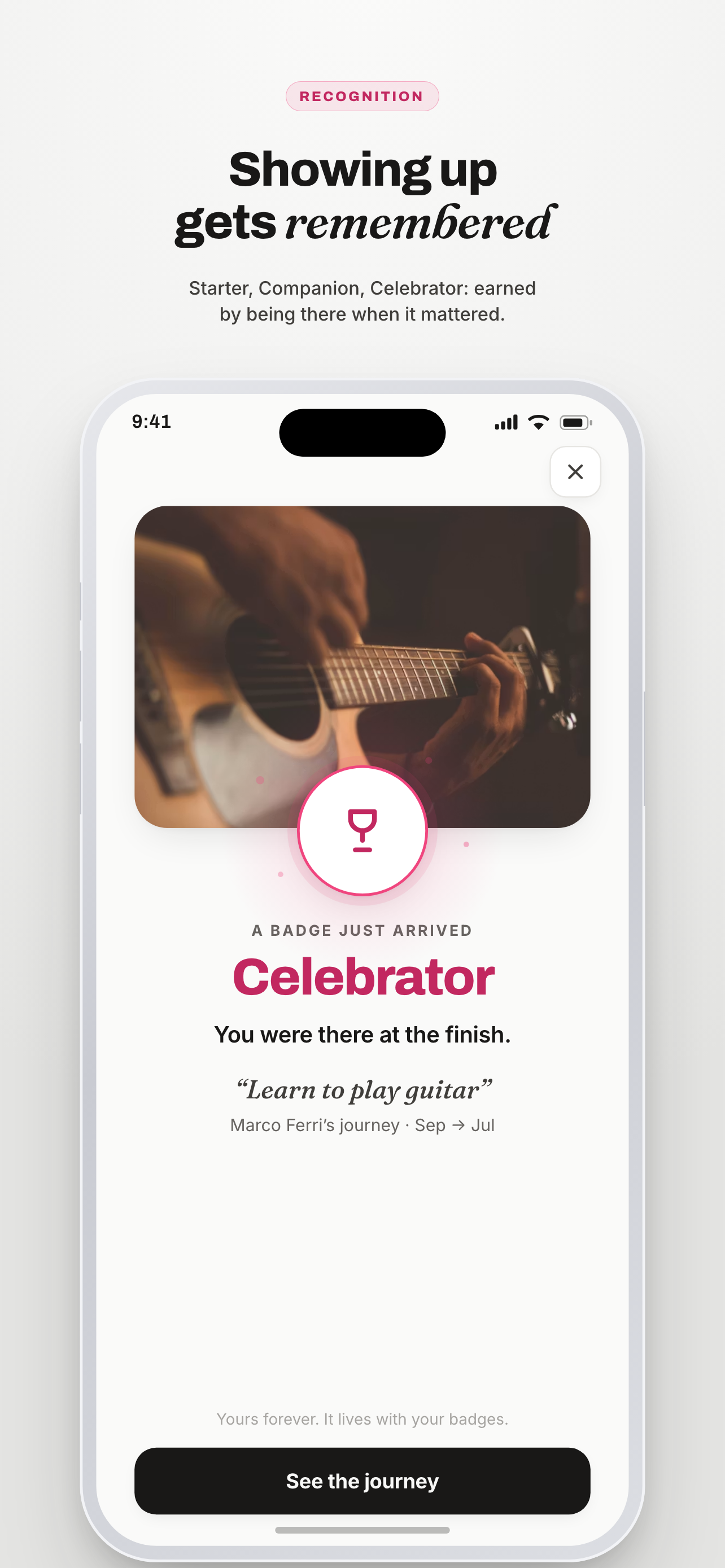
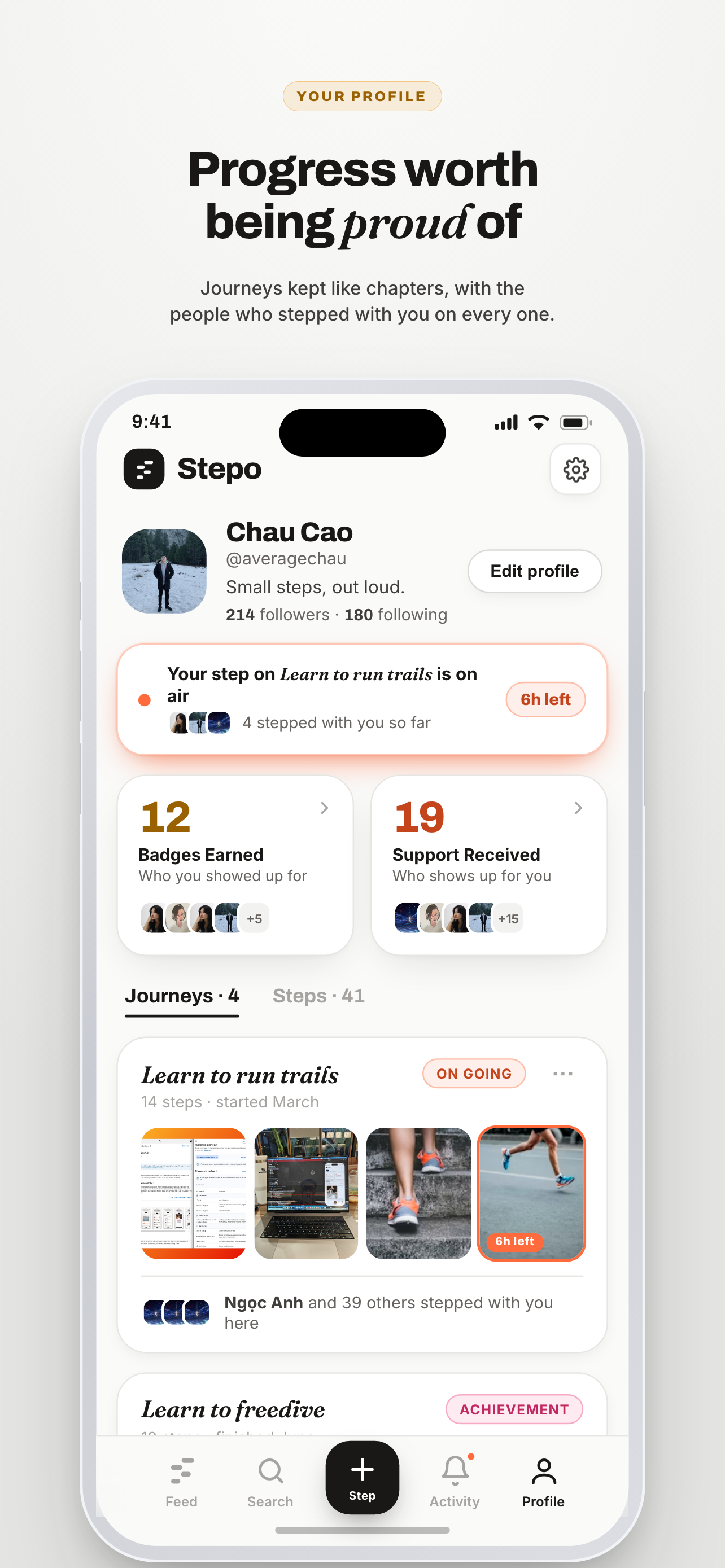
Stepo's UI is built around one mechanic: a step is live for 24 hours, and stepping with it while it's live is how support becomes recognition — Starter, Companion, Celebrator. Live cards glow and count down, past cards stay vivid but go quiet, and every badge is a person you stepped with, never a number.

Starter · marigold Live · tangerine Celebrator · rose
The app
39 screens and 14 spec boards — in the order a person meets them, boards last. This is the plan the Flutter build follows.

Spec boards

14Not screens — the sheets, states and rules the screens obey.
notifications board
The notification spec — every trigger, recipient, copy line, media rule and tap destination; push anatomy, the priority ladder, badge model, and the never-send list.
people card board
The people-card spec — every state a role row can hold: a zero is never a digit, a chevron promises a page, and the ground carries the same tense as the tile (your role's wash, grey once a row is empty and settled, paper while it is still possible).
milestones board
The milestone spec (V2) — a landmark, not a reward: mark/unmark flows, the quiet feed chip, the acknowledgment moment, the Companion citation, and the bright lines.
states empty
The reviewer's first five minutes — empty Activity, empty profile, and a failed search that stays honest: no nags, no filler, doors at zero.
states error
Errors & dead ends — when something breaks the app gets quieter, not louder: ink not red, one Retry per state, and deleted vs blocked render the identical closed door.
media viewer
The media viewer — a lightbox, not a surface: one X, one caption line, sound on by intent, swipe-down to leave; no social actions, no download.
step sheet
The step's overflow sheet — a sheet earns its rows: Share, the quiet milestone toggle, Delete in danger ink; Report step on others'; the dead taps and per-step notifications cut.
step with sheet
The ask that catches the one tap able to end a step-with. Same sheet in and out of the window, one sentence apart; keeping is the primary, because the tap may have been a mistake.
comment sheet
The comment's overflow sheet and the two doors it never had: Edit, Delete, and Edited said on the row beside the arrival time. Reply and Hide cut, both dead taps.
profile sheet
The profile's overflow sheet — Share, Report profile, Block, in step-sheet anatomy. Report and Block stay ink: neither destroys anything, and the block confirm states the way back.
step people
The per-step guest book: one sheet for everyone, with a While it was live section and a public After it ended section. Same room, viewer-graded ink: owners see act glyphs and timing on the rows, visitors see plain shuffled faces.
step unpublished
The unfinished step — publishing and failed, met by the author in their own trail: no live dressing for a window that hasn't started, one status sentence, and a retry door instead of red panic.
create step journey
Choose the journey — the sheet behind the composer's ADDING TO row. A row carries the state change it causes: posting to an Achievement or Closed journey reopens it, said here and again above Post.
icon
The mark, decided — the picked tangerine icon in its settings: home screens, iOS light/dark/tinted, notification, in-app chrome, splash.
The store & the brand
16 assets — the mark in every cut, and the listing as submitted.

The feature graphic

1The one wide banner Play asks for.